
If you are an app or web developer, or a business with a lot of its own custom-built applications for your team, customers or suppliers to access, your Windows Server can host these applications easily using IIS. It’s a dedicated web server environment that forms part of your Windows Server which allows you to host, deploy, run, scale and manage your web-based applications.
Because IIS is specifically designed for the Windows environment. With it comes reliability, security, performance and scalability is one of the key benefits customers and developers enjoy, especially if your apps are developed using ASP .NET Core or ASP.NET MVC.
Efficiently redefine high-quality potentialities rather than innovative ideas. accurate infomediaries with high technology.

Work using any device from anywhere that has an internet connection

Strong security protocols including SSL and TLS for encryption of data, and Network Level Authentication to prevent unauthorised access

Reduces costs by keeping older desktop hardware running longer as software becomes more resource-intensive, as data is stored and processed on your VPS

Allows Mac, IOS, Linux and Android users to utilise Microsoft software products

Keeps data safe if a team members device/s are lost or stolen, as the data resides in the cloud, not on the device

Provides more computer resources to various applications without upgrades

Makes it faster and easier for administrators to update software and configure new devices
This is the bare bones Windows Server.
Run basic services on a Windows Server with this configuration.
A responsive Windows Server that is ready for most tasks.
When performance and reliability is key. This server is ideal for more resource hungry tasks or remote desktop environments.
*please see terms of service

Dedicated resources:
Each VPS RAM & NVMe storage resources purchased are dedicated. They are not oversold to ensure performance is maintained.

High Availability:
Should the physical server your VPS is connected to fails, your VPS will automatically reconnect to the next available server

SATA Storage
SATA storage is ideal for taking backups or storing large volumes of user data. SATA storage is not included in any backups taken and backups of this data should be managed by you

Full Administrator/RDP Access
Get full and complete control over your cPanel VPS with VPSBlocks. You get access to RDP to your server and much more with us

Free Support with Standard SLA
Every customer gets access to technical support via phone, tickets or live chat

Managed Backups:
2 backups taken weekly. We keep up to the last 5 backups. $14.95 per month. If you wish to have offsite backups the cost is $29.95 per month

Full Server Management:
Server management including application installation, OS patching and server configuration and Managed Backups - $87.95 /month

Extra NVMe Storage: 25c/GB /mo
Running low on disk space? No worries, you can order more disk space for 25c per GB per month

Extra SATA Storage:15c/GB /mo
Running low on SATA space? The great thing is, we have plenty more space we can give you. It costs 15c per GB per month.

Managed Migrations
Moving from one location to another can be a challenge. We can help you work through this process. Contact our support team to find out more. Visit our Data Migration Services page to find out more.
Configure a Windows Application Hosting VPS by choosing your CPU cores, RAM, NVMe and SATA storage. Host IIS-based and custom Windows applications on dedicated resources, delivering consistent performance, reliability, and full administrative control.

Windows 2016 Std (64bit)
Windows 2019 Std (64bit)
Windows 2022 Std (64bit)
Windows 2025 Std (64bit)
CPU CORES?
DEDICATED RAM?
NVME/FLASH DISK?
SATA BACKUP DISK?
FREE BANDWIDTH?
OPERATING SYSTEM
AlmaLinux 8
VPS Blocks has many clients who develop and host web applications, particularly in the app developer space. Some examples of how these customers utilise our application hosting services include:
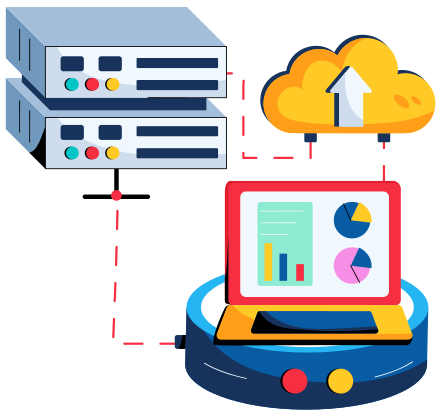
VPS Blocks can set you up with two options to manage your IIS – self-managed IIS or using Plesk for Windows.
The self-managed plan allows experienced IT professionals to manage the application hosting, storage and deployment using the IIS dashboard and use any programming language to run scripts or serve content.
Many clients choose to use the Plesk Control Panel for Windows as a user-friendly option to configure, deploy and manage their hosted apps.
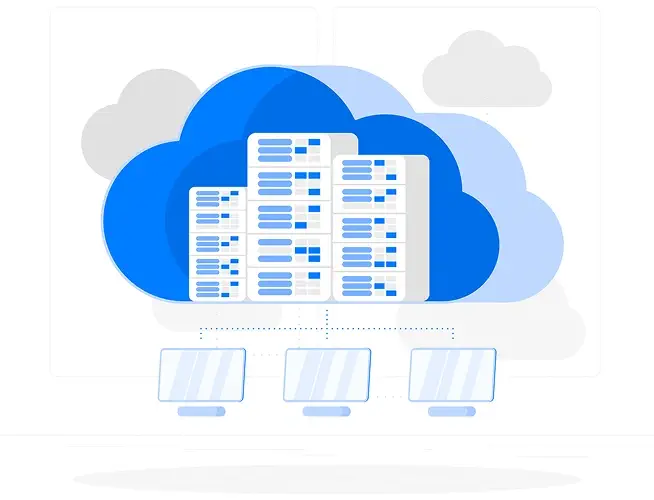
Network speed won’t be a problem when you deal with VPS Blocks. We’re proud of our reputation for speed and reliability. The VPS Blocks network includes feeds from Telstra, Optus, IINET/TPG, NextGen, IX and PIPE. This ensures maximum network efficiency and minimal downtime should any routes be disrupted due to provider issues.
BGP routing ensures that your connection always takes the shortest possible route, selecting the best path through our network partners from your location.
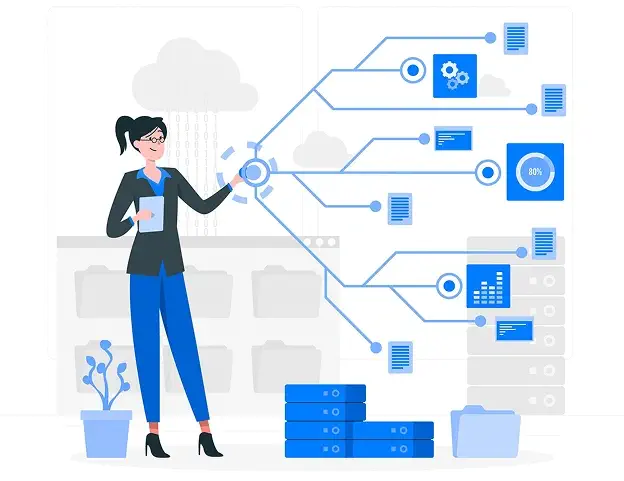
Even with our dedicated control panel with simple and fast management options, some VPS Blocks clients find it very cost-effective to minimise the hours they spend managing their VPS hosting by getting the professional VPS Blocks experts to help out by:
Take a look at these options when you place your online order.
Hosting applications on Windows Server often comes with specific requirements around compatibility, licensing, performance, and security. Whether you’re running a .NET application, IIS-based system, Remote Desktop Services, or a line-of-business application that requires Windows Server, getting the environment right is critical.
At VPSBlocks, we design Windows application hosting environments tailored to the software you’re running — from Windows Server versions and resource allocation through to backups, security hardening, and ongoing reliability. We regularly assist customers migrating applications from on-premise servers, shared hosting, or public cloud platforms into stable, well-supported Windows environments.
If you’re unsure which Windows Server setup is best for your application, have questions about performance or licensing, or want advice before migrating an existing system, fill out the form and one of our specialists will help you make an informed decision.
Find clear answers to common questions about our services, features, and support below.
Yes, Windows Application Hosting is ideal for business-critical applications that require stability, performance, and Microsoft compatibility.
Yes, custom-built and third-party Windows applications are fully supported.
Yes, full support for Microsoft .NET frameworks/MVC & Microsoft .NET Core when IIS web services is installed and configured correctly.
Yes, If you have a web based application it can be accessed remotely via a browser. If you have a Windows Application which requires using Remote Desktop Services (RDS) or secure remote access methods you can use a Windows Server.
Yes, Microsoft SQL Server can be deployed alongside hosted applications.
Yes, CPU, RAM, and storage resources can be scaled as application demands increase.
Yes, VPSBlocks provides managed migration services for existing Windows-based applications. If your application supports Windows Server it should run just fine.
Yes, security features include firewalls, secure access controls, encryption, and regular updates.
Yes, Active Directory integration is supported for authentication and user management.
Yes, VPSBlocks offers optional managed services, monitoring, and technical support.
 My Account
 Service Status
 Help Center


