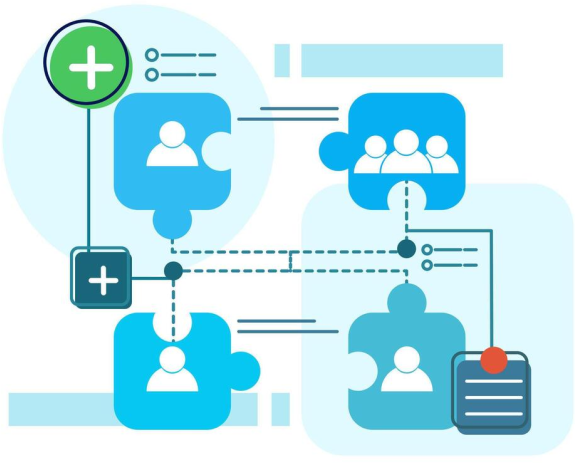
Microsoft’s Active Directory is the access portal to all the information on your Microsoft Server operating system. It is a directory system that makes it easy for network users to find and use data with a hierarchical organisation. It stores each user’s names, passwords etc so that they can access the information and shared resources (such as servers, groups and printers) they need using a single password/authentication and restricts their access based on what they are allowed to access by the system administrator.
Efficiently redefine high-quality potentialities rather than innovative ideas. accurate infomediaries with high technology.

With one secure authentication, users can access any resource they are authorised to

Provides security over data and resources by ensuring only authorised users can access important data/resources

Makes it easy for Administrators to add, delete or modify users, manage permissions and update passwords and control all access from a single point

Scalable so that your network of users and resources can continue to grow seamlessly

Simplified organisation management of devices, servers, users and your entire domain from a single location that could span multiple locations around the globe.
This is the bare bones Windows Server.
Run basic services on a Windows Server with this configuration.
A responsive Windows Server that is ready for most tasks.
When performance and reliability is key. This server is ideal for more resource hungry tasks or remote desktop environments.
*please see terms of service

Dedicated resources:
Each VPS RAM & NVMe storage resources purchased are dedicated. They are not oversold to ensure performance is maintained.

High Availability:
Should the physical server your VPS is connected to fails, your VPS will automatically reconnect to the next available server

SATA Storage
SATA storage is ideal for taking backups or storing large volumes of user data. SATA storage is not included in any backups taken and backups of this data should be managed by you

Full Administrator/RDP Access
Get full and complete control over your cPanel VPS with VPSBlocks. You get access to RDP to your server and much more with us

Free Support with Standard SLA
Every customer gets access to technical support via phone, tickets or live chat

Managed Backups:
2 backups taken weekly. We keep up to the last 5 backups. $14.95 per month. If you wish to have offsite backups the cost is $29.95 per month

Full Server Management:
Server management including application installation, OS patching and server configuration and Managed Backups - $87.95 /month

Extra NVMe Storage: 25c/GB /mo
Running low on disk space? No worries, you can order more disk space for 25c per GB per month

Extra SATA Storage:15c/GB /mo
Running low on SATA space? The great thing is, we have plenty more space we can give you. It costs 15c per GB per month.

Managed Migrations
Moving from one location to another can be a challenge. We can help you work through this process. Contact our support team to find out more. Visit our Data Migration Services page to find out more.
Design an Active Directory VPS by selecting your CPU, RAM, NVMe and SATA storage. Create a secure, centralised identity and authentication environment that supports your users, devices, and policies, with the flexibility to scale as your organisation grows.

Windows 2016 Std (64bit)
Windows 2019 Std (64bit)
Windows 2022 Std (64bit)
Windows 2025 Std (64bit)
CPU CORES?
DEDICATED RAM?
NVME/FLASH DISK?
SATA BACKUP DISK?
FREE BANDWIDTH?
OPERATING SYSTEM
AlmaLinux 8
Network speed won’t be a problem when you deal with VPS Blocks. We’re proud of our reputation for speed and reliability. The VPS Blocks network includes feeds from Telstra, Optus, IINET/TPG, NextGen, IX and PIPE. This ensures maximum network efficiency and minimal downtime should any routes be disrupted due to provider issues.
BGP routing ensures that your connection always takes the shortest possible route, selecting the best path through our network partners from your location.
See Standard Features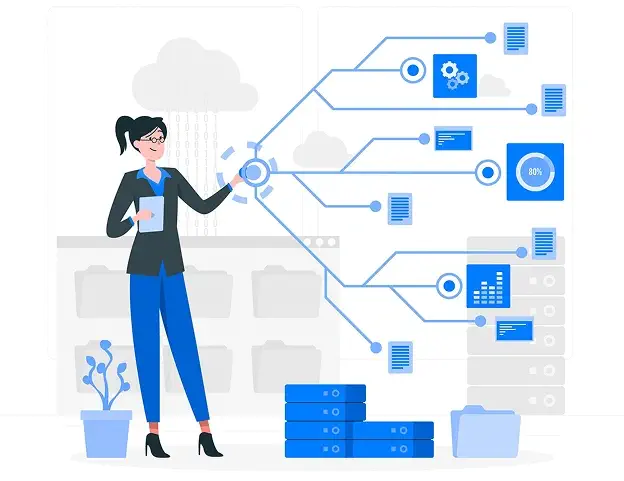
Even with our dedicated control panel with simple and fast management options, some VPS Blocks clients find it very cost-effective to minimise the hours they spend managing their VPS hosting by getting the professional VPS Blocks experts to help out by:
Take a look at these options when you place your online order.

If you currently use a physical server and want to change over to a Windows Server operating system on your VPS Blocks virtual server, the VPS Blocks team can help you to migrate your data and user access information over to this off-premises system and configure it for Active Directory.
Talk to one of our consultants today about your Off-Premise Migration today.
From setting up and configuring Microsoft Active Directory (AD), to working out licensing and server resource requirements, our Microsoft experts can help you get your AD Server operational in no time.
If you need help working on a complete migration, setting up a new AD Server, right through to migrating from your existing environment to ours, we are able to help.
Take the first step and ask a question by completing the form. One of our Microsoft experts will review your question and will be in touch.
Find clear answers to common questions about our services, features, and support below.
Active Directory (AD) is a directory service developed by Microsoft for managing and organizing resources within a network. It stores information about users, computers, groups, and other resources, and allows administrators to manage access to network resources, configure security policies, and ensure proper communication across the network.
The key components of Active Directory include:
A Domain in Active Directory is a logical grouping of network objects such as users, computers, and devices that share a common directory database. Domains are defined by their unique name (e.g., example.com), and they are the core unit of organization within AD. Domains are typically managed by a Domain Controller.
A Domain Controller (DC) is a server that hosts the Active Directory database and is responsible for authenticating and authorizing users and computers within the domain. It also enforces security policies and replicates directory data to other domain controllers within the domain.
LDAP (Lightweight Directory Access Protocol) is the protocol used by Active Directory to communicate and interact with the directory service. It allows applications and users to query and modify directory information, such as retrieving user details or changing passwords.
Active Directory manages security through:
A Group in Active Directory is a collection of users, computers, or other objects that can be managed as a single entity. Groups are used to simplify the administration of permissions and rights by assigning access rights to a group instead of to individual users. There are two main types of groups:
A Forest in Active Directory is the highest-level container in the AD structure, containing one or more domains that share a common schema, configuration, and global catalog. It acts as a boundary for security and replication and can consist of multiple trees or domains within the organization.
Users in Active Directory can be created and managed using the Active Directory Users and Computers (ADUC) tool. To create a user:
Group Policy in Active Directory allows administrators to define and control settings for computers and users within an AD domain. Group policies are stored as Group Policy Objects (GPOs) and can enforce security settings, configure software installations, manage user profiles, and control access to resources across all computers within the domain.
 My Account
 Service Status
 Help Center


